Follow these simple steps to install the Flexi Delivery & Pickup Date app on your Shopify store:
- Visit the app listing page on the Shopify App Store.
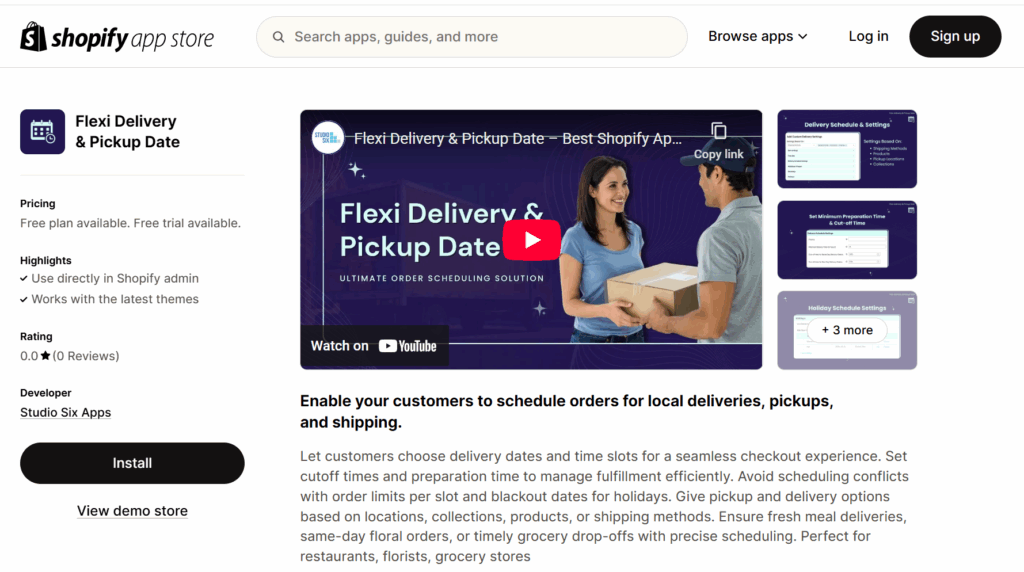
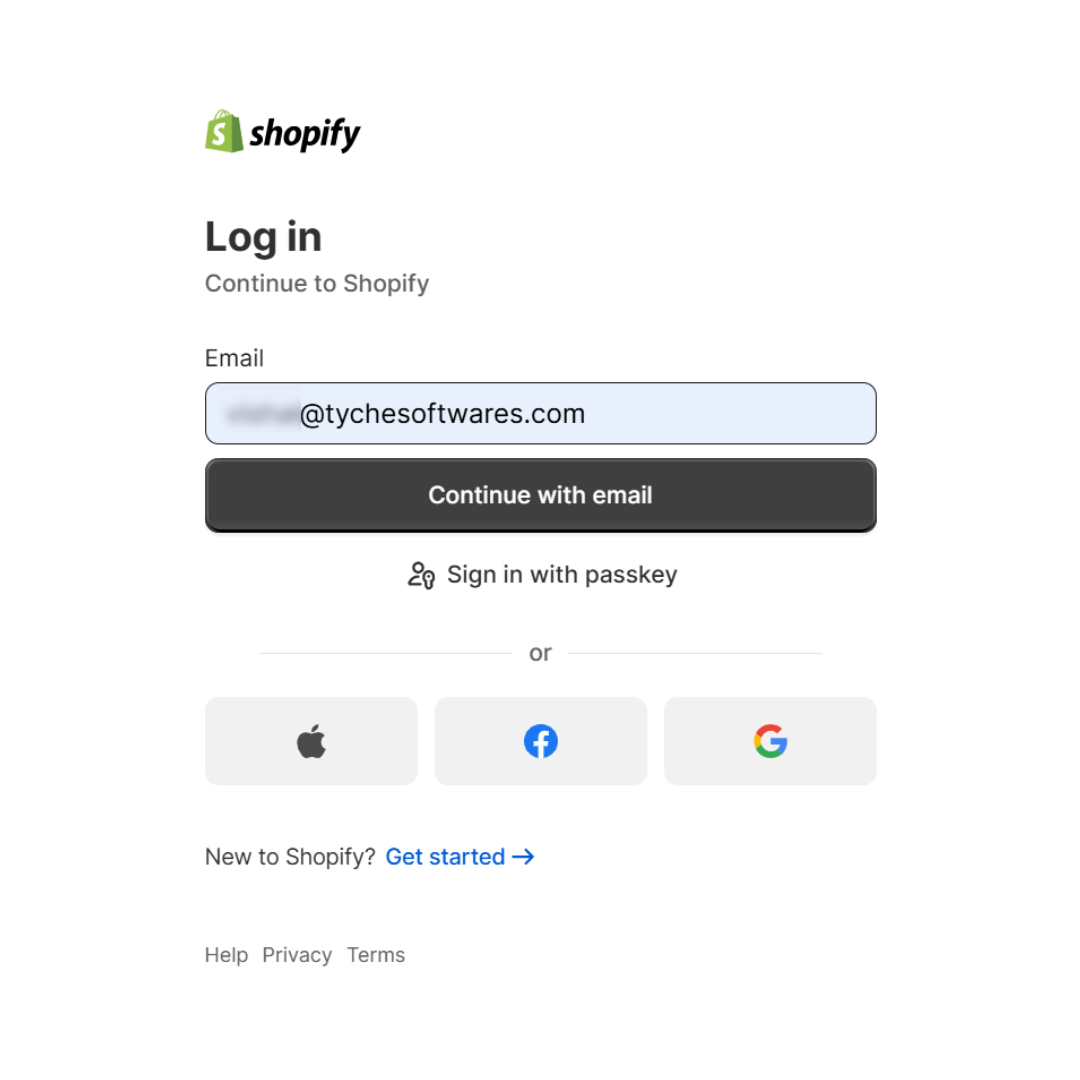
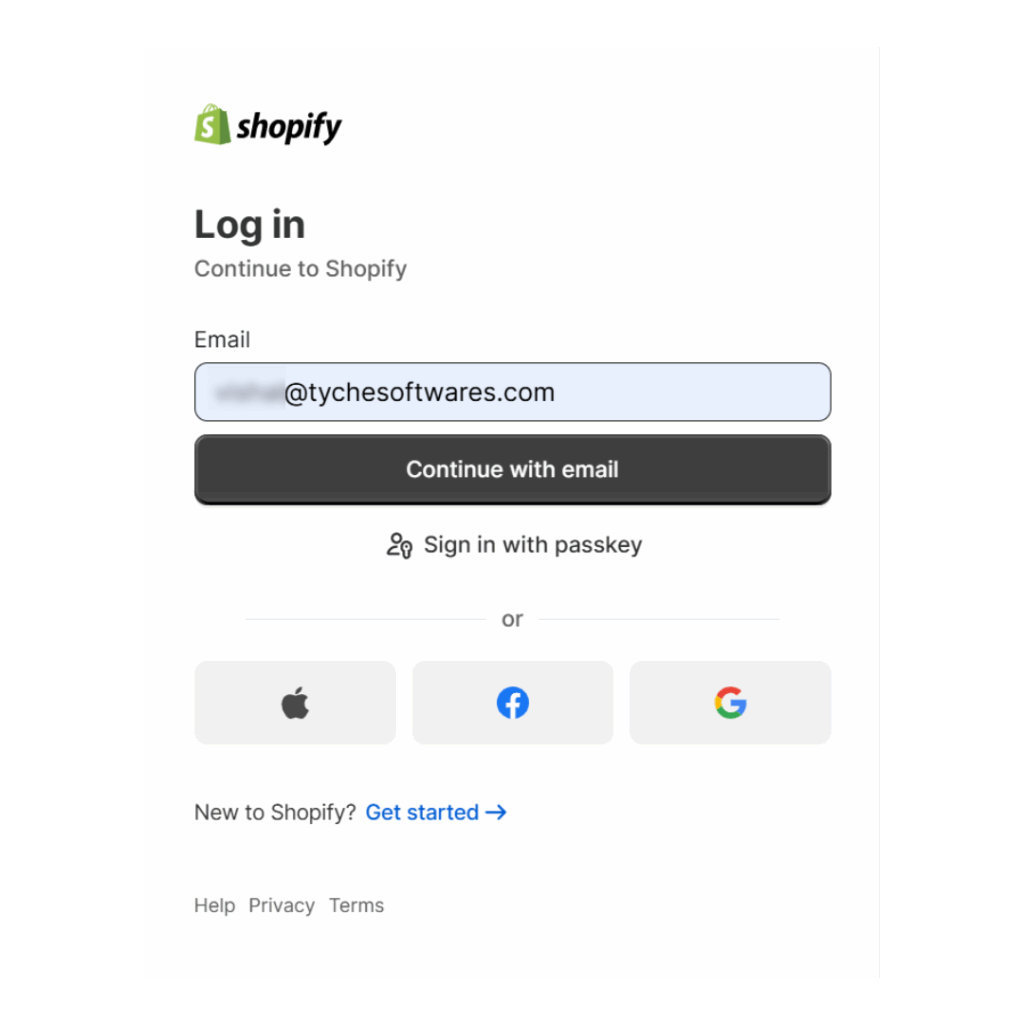
If you already have a Shopify account, you’ll be prompted to log in. Once logged in, you’ll be redirected to the Flexi Delivery & Pickup Date app page on the Shopify App Store.
- If you don’t have a Shopify account, you’ll be taken to the connection screen where you can create one using your email address or sign up with a provider like Google, Apple, or Facebook.
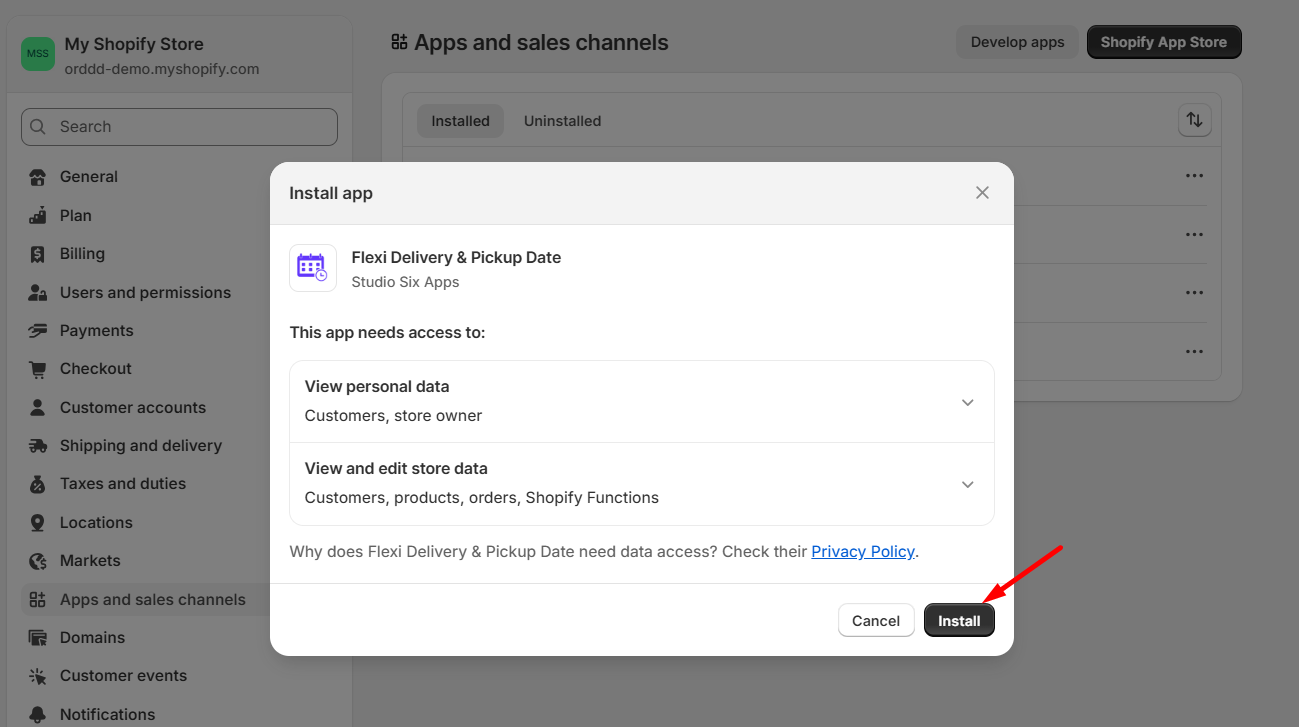
- After logging in or creating your account, a popup will appear showing the access the app needs.
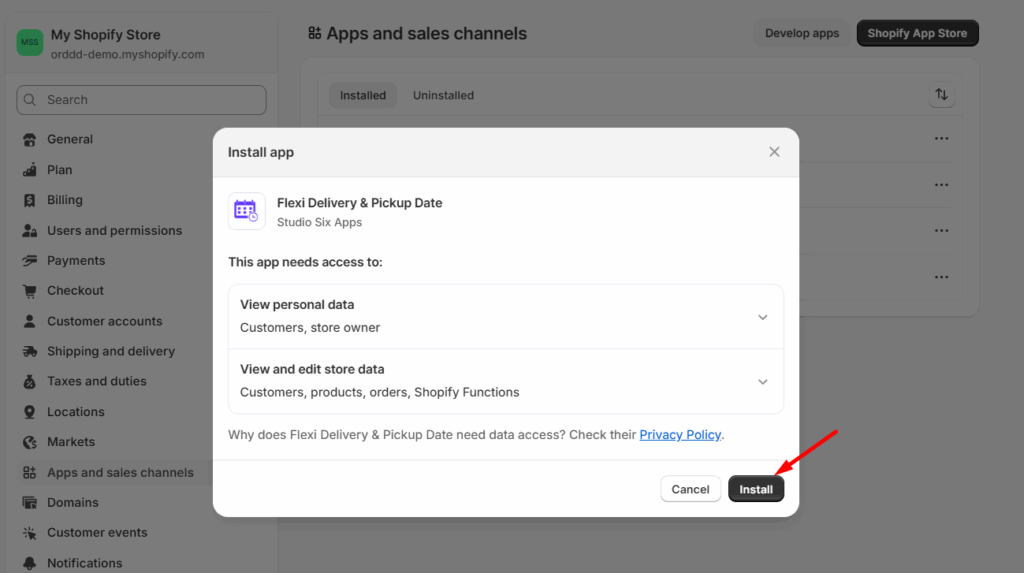
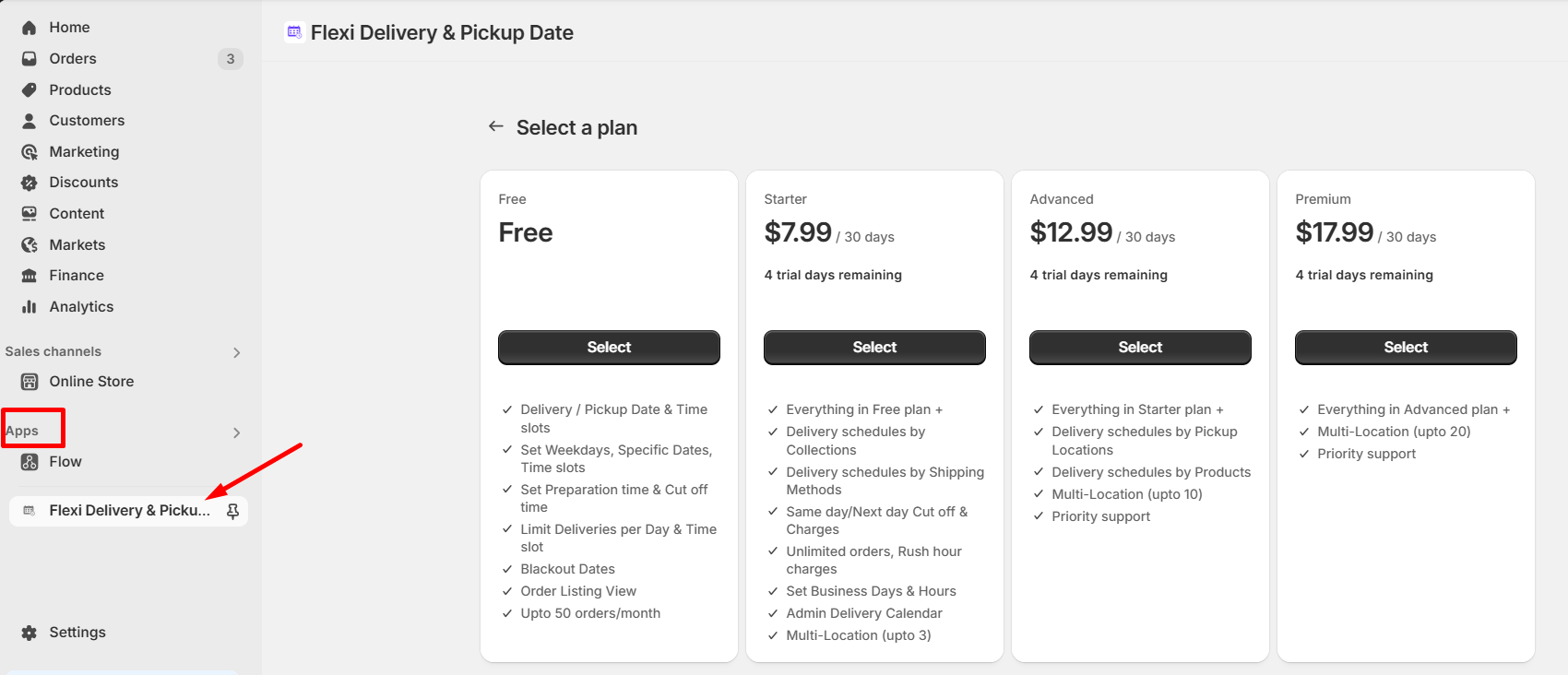
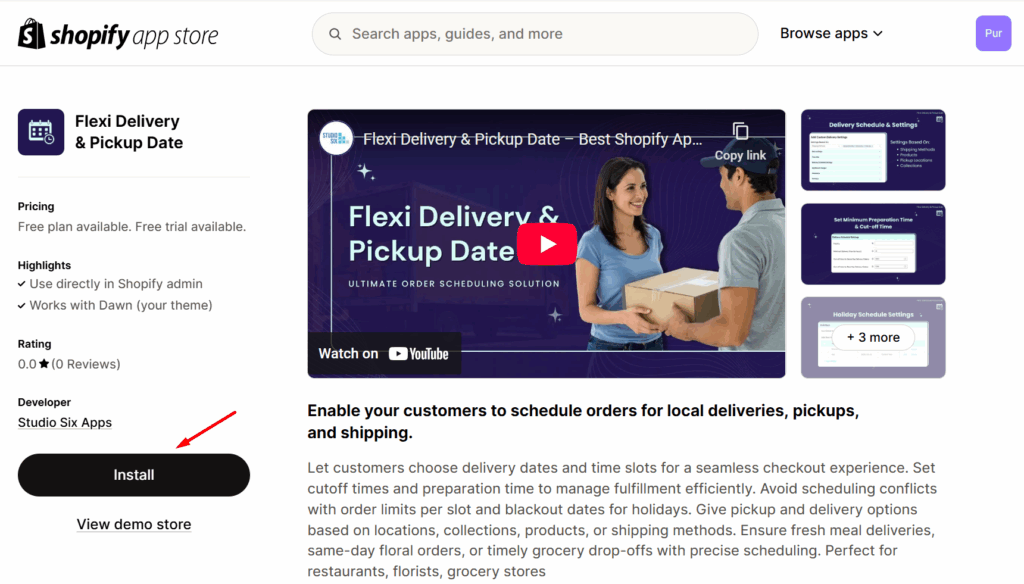
- Proceed to click the Install button and the app will be added under the Apps menu of your store.
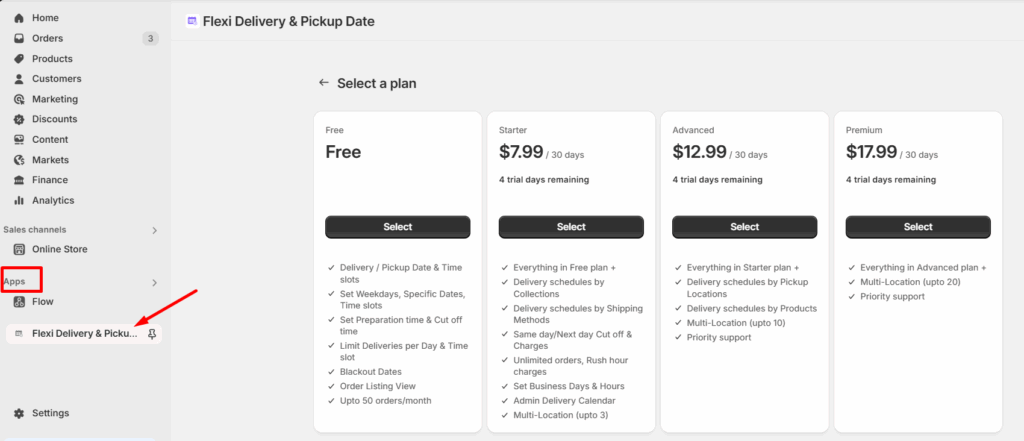
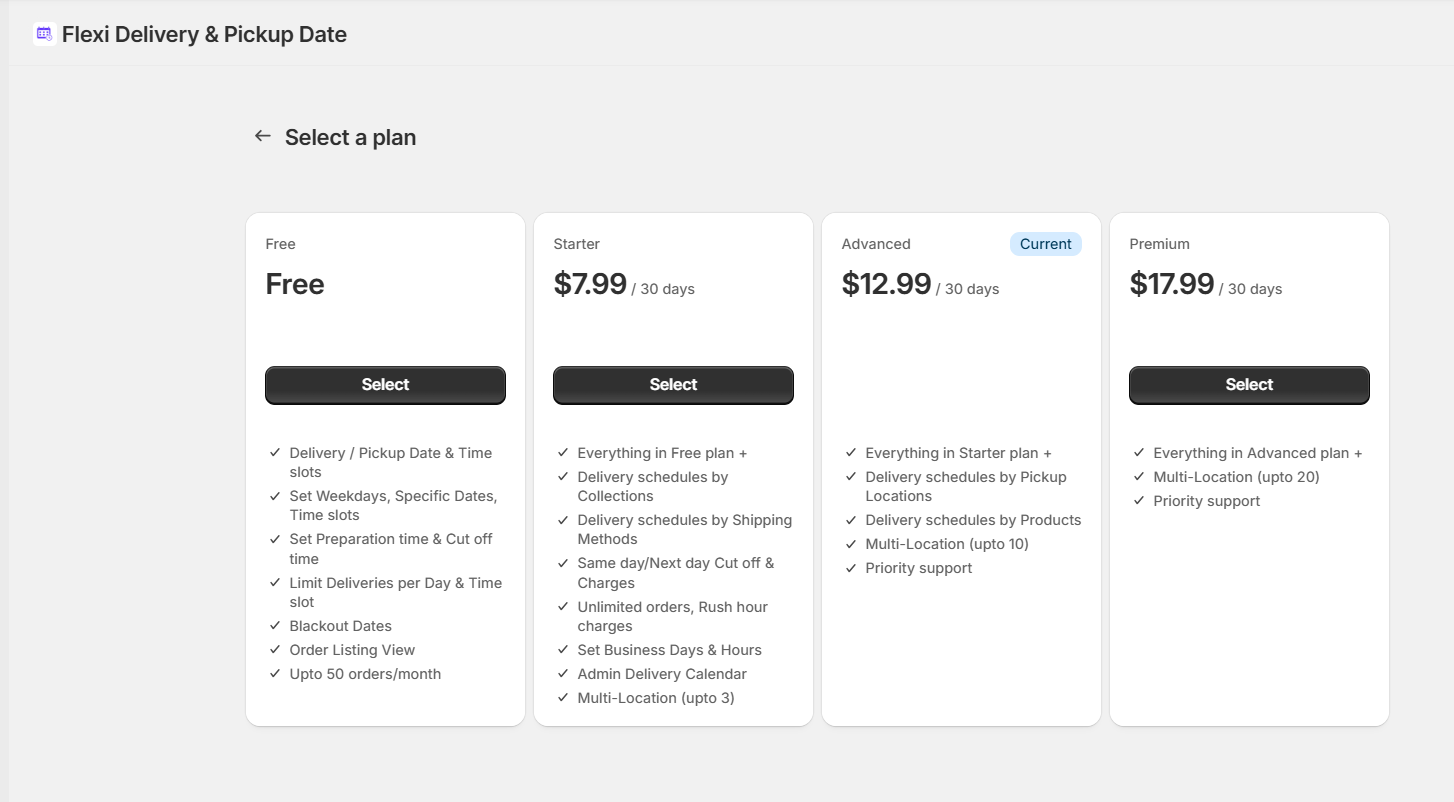
- After the installation, you will be redirected to the Pricing Plans page, where you can view and select the plans.
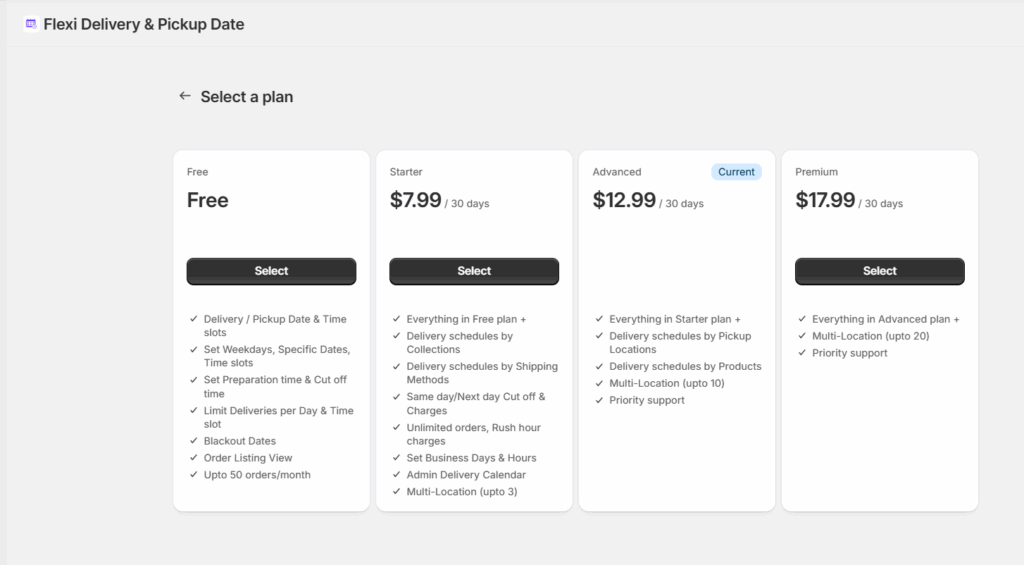
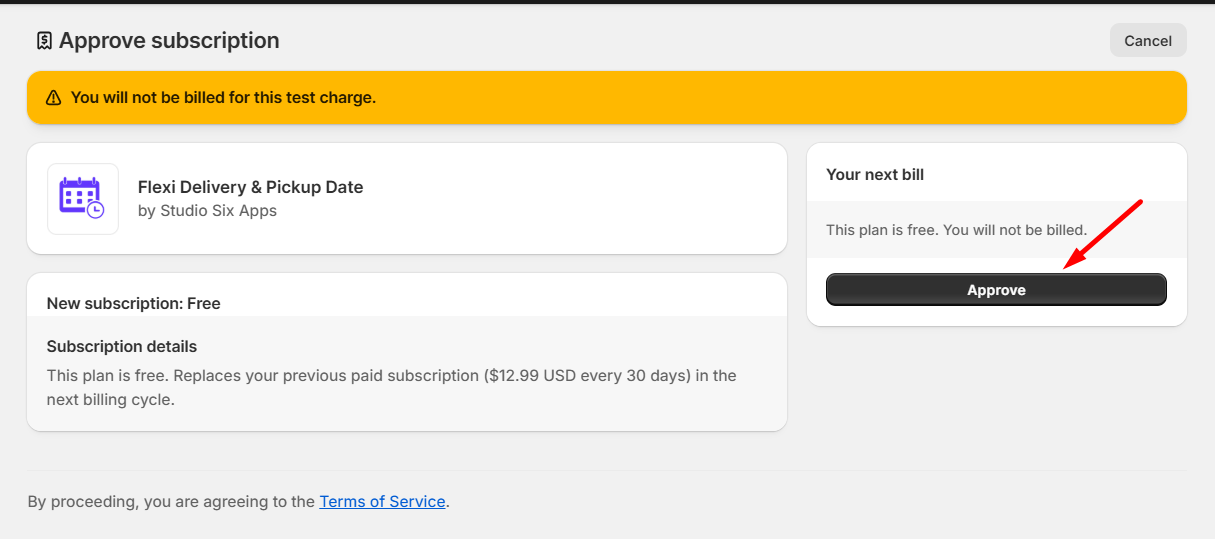
- Select the desired plan and click Approve to activate your new subscription.
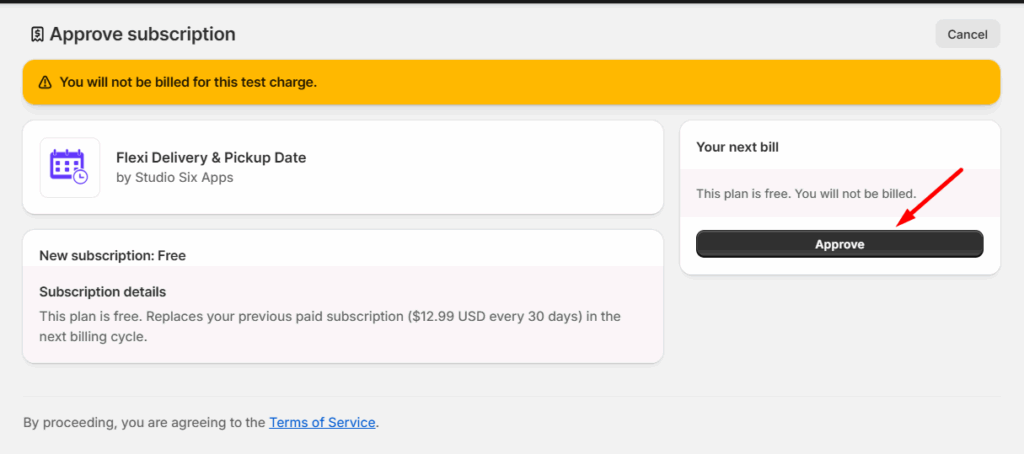
That’s it! The Flexi Delivery & Pickup Date app has now been successfully installed on your Shopify store.